Short Films on Phones
A phone, a simple script and a few habits borrowed from real film sets are enough to shoot a short that holds up on a big screen.
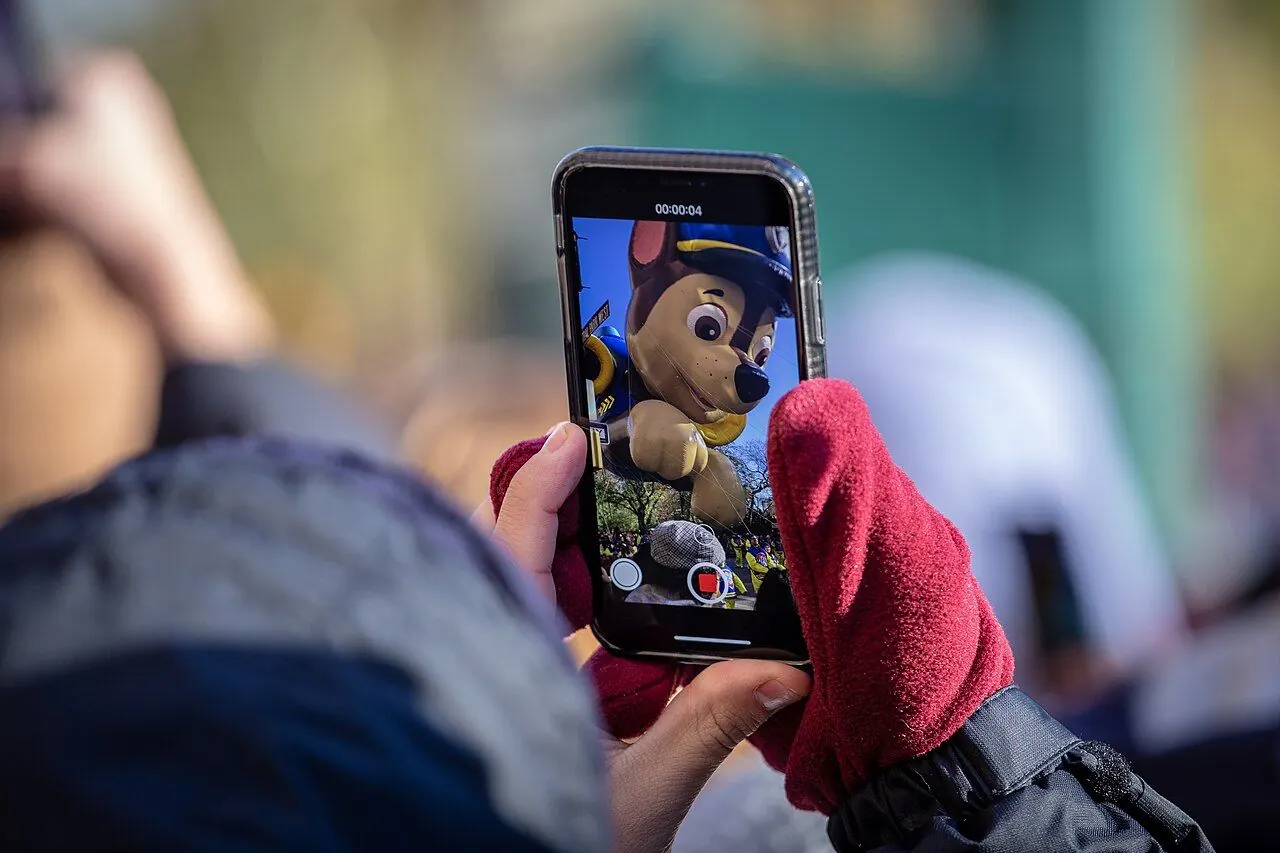
Photo: Phil Roeder / Wikimedia Commons, CC BY 2.0. Illustrative image.
To make a short film on your phone, write a short script for one location, shoot horizontally at 24 frames per second with focus and exposure locked, keep the phone steady, and record sound with an external microphone. Edit in a free app, use only music you have the rights to, and export a clean file for festivals or online.
Script and camera settings
Start small. A script of a few pages set in one location with two or three actors keeps the shoot to a day or two and puts the effort into performance, light and sound instead of logistics. Turn on airplane mode before each take so calls and alerts do not interrupt it.
Record at 24 frames per second, the standard frame rate for film; 30 fps is fine for social-media pieces where smoother motion is wanted. You can set this in the phone's camera settings or in a manual-control camera app such as Blackmagic Camera. Stick with the horizontal frame from start to finish, since 16:9 landscape is the standard for screens and online platforms; shoot vertical only when the film is made for vertical viewing.
Holding focus and exposure on your subject
Keeping the exposure and focus constant stops the image from pulsing and hunting during a shot. On iPhone, this means tapping on the subject and holding your finger on the screen until "AE/AF Lock" appears. Once locked, the camera will not adjust either focus or brightness as the subject or the camera moves. Android phones use the same gesture, though the on-screen label differs by brand: press and hold on the subject until focus and exposure lock.
After locking, adjust brightness by hand: on iPhone, drag the sun icon beside the focus box up to brighten or down to darken. Avoid overexposing, as blown-out highlights cannot be recovered in post-production. But a shot so dark the subject doesn't read clearly is also hard to save, so expose for the face.
Steady shots, light and sound
Use a tripod, phone mount, gimbal or any stable surface whenever you can; handheld, hold the phone with both hands and move slowly. Natural window light often works well, with the light facing your subject rather than behind it. Sound matters as much as picture: the built-in mic picks up the room, so use an external microphone, such as a lavalier clipped to the actor, placed as close to the speaker as possible, and test the levels before every scene.
For editing, iMovie is free on iPhone, iPad and Mac, and DaVinci Resolve and the open-source Shotcut have free desktop versions. Music is where many first films get into trouble. A film needs a synchronization license for the composition and a master-use license for the specific recording, and they may have different owners. Safe options are original music from a composer friend, tracks licensed for film use, or public-domain compositions in a recording you are allowed to use, since an old song can be free while a modern recording of it is not.
Export a high-quality master first, then make smaller copies for each use. Festivals usually ask for a private streaming screener link, and technical specs differ from one festival and platform to the next, so check each festival's rules before exporting. The practical rule stays the same: everything later depends on footage with stable exposure, focus, framing and clean sound, so get those right on the day.